> ## Documentation Index
> Fetch the complete documentation index at: https://docs.mergent.co/llms.txt
> Use this file to discover all available pages before exploring further.
# Viewing Task History
> Explore Mergent's Task history feature, providing access to task data for 30 days post-completion
Task history is stored for 30 days after tasks are completed for paid plans, and
7 days after tasks are completed for free plans. After that, task history is
scheduled for permanent deletion from our servers.
For example, if you schedule a task for 60 days from today, it will be deleted
in 67 days on the free plan (60 days until completed + 7 days until deleted),
and 90 days on the paid plan (60 days until completed + 30 days until deleted).
Recurring schedules are never deleted automatically, just the tasks that they
spawn.
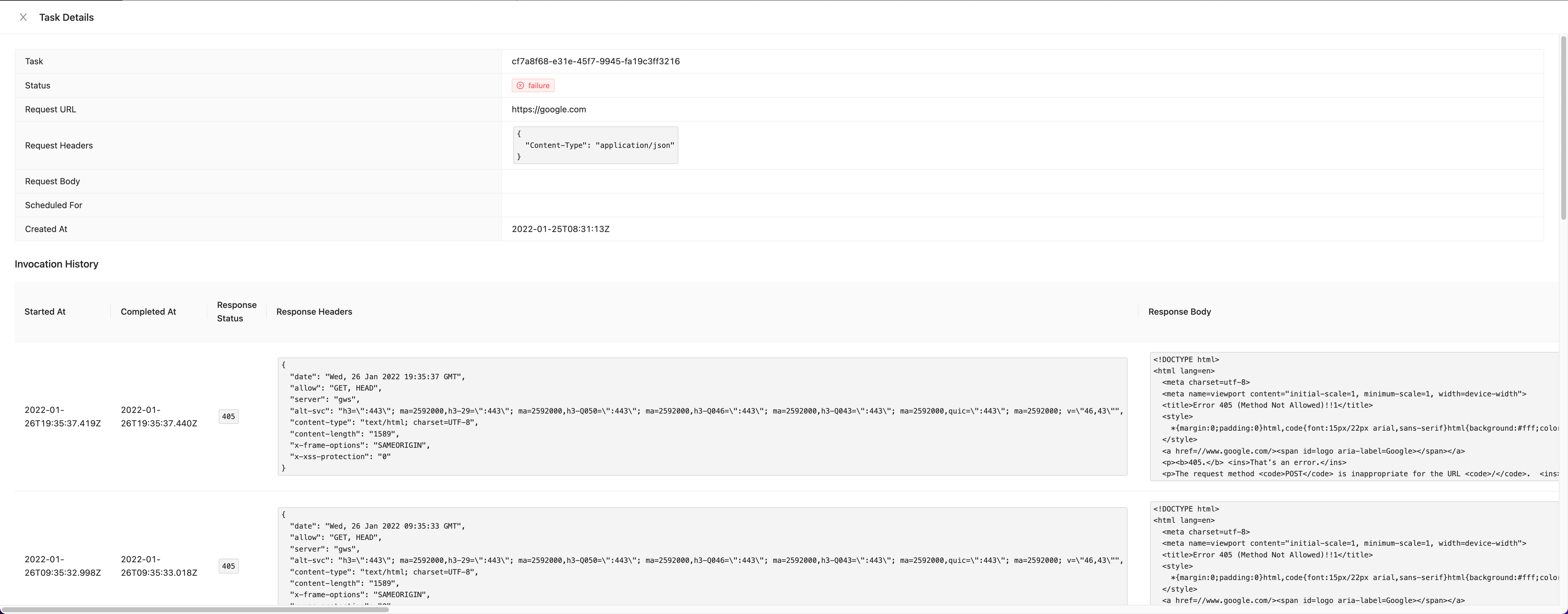
You can view the Task history by clicking on the Task in the dashboard.